How to set up a new Company in the benefits portal
This document will show you how to register your company within the benefits portal.
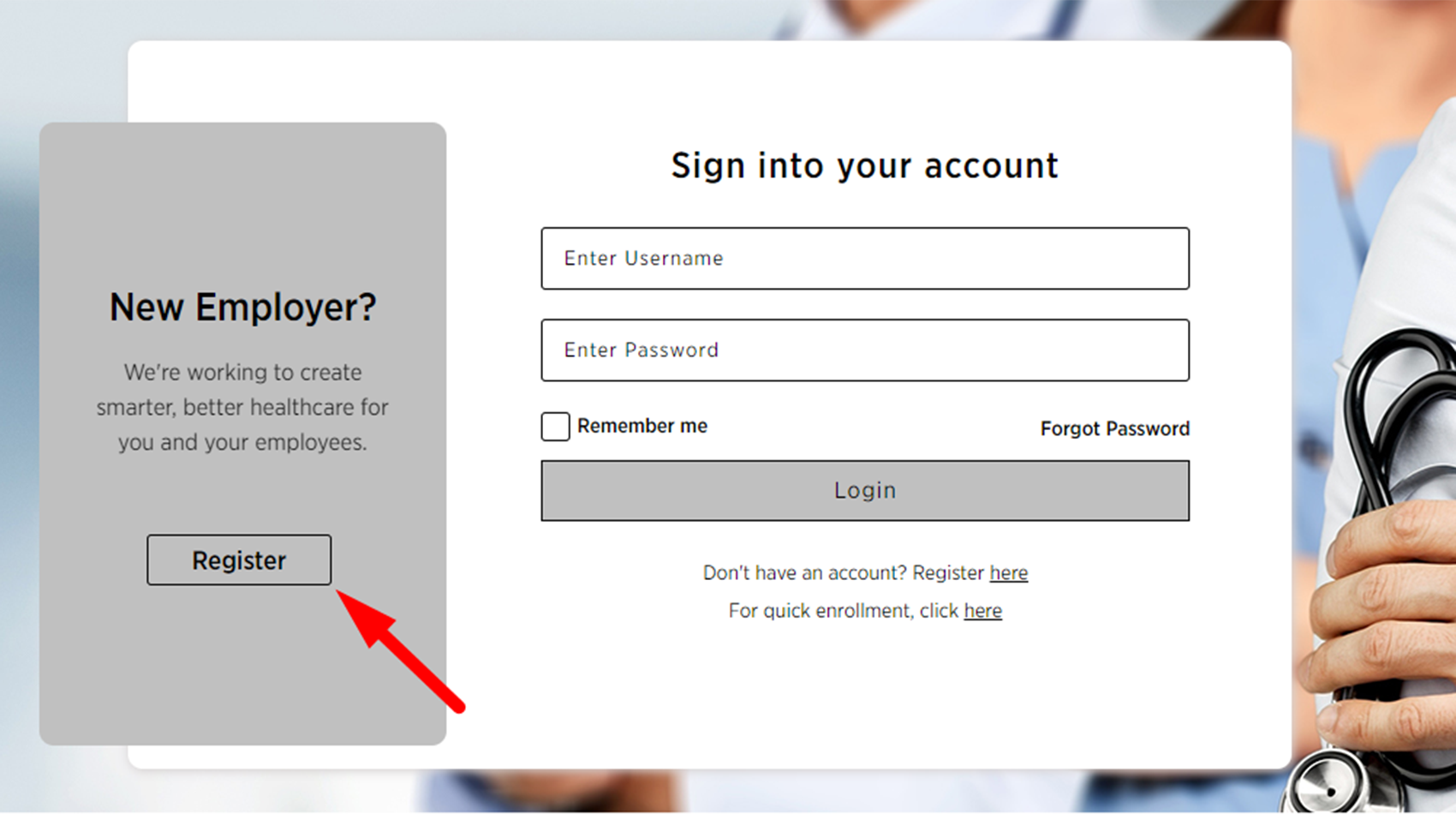
1. Go to the portal page and click on the register button.
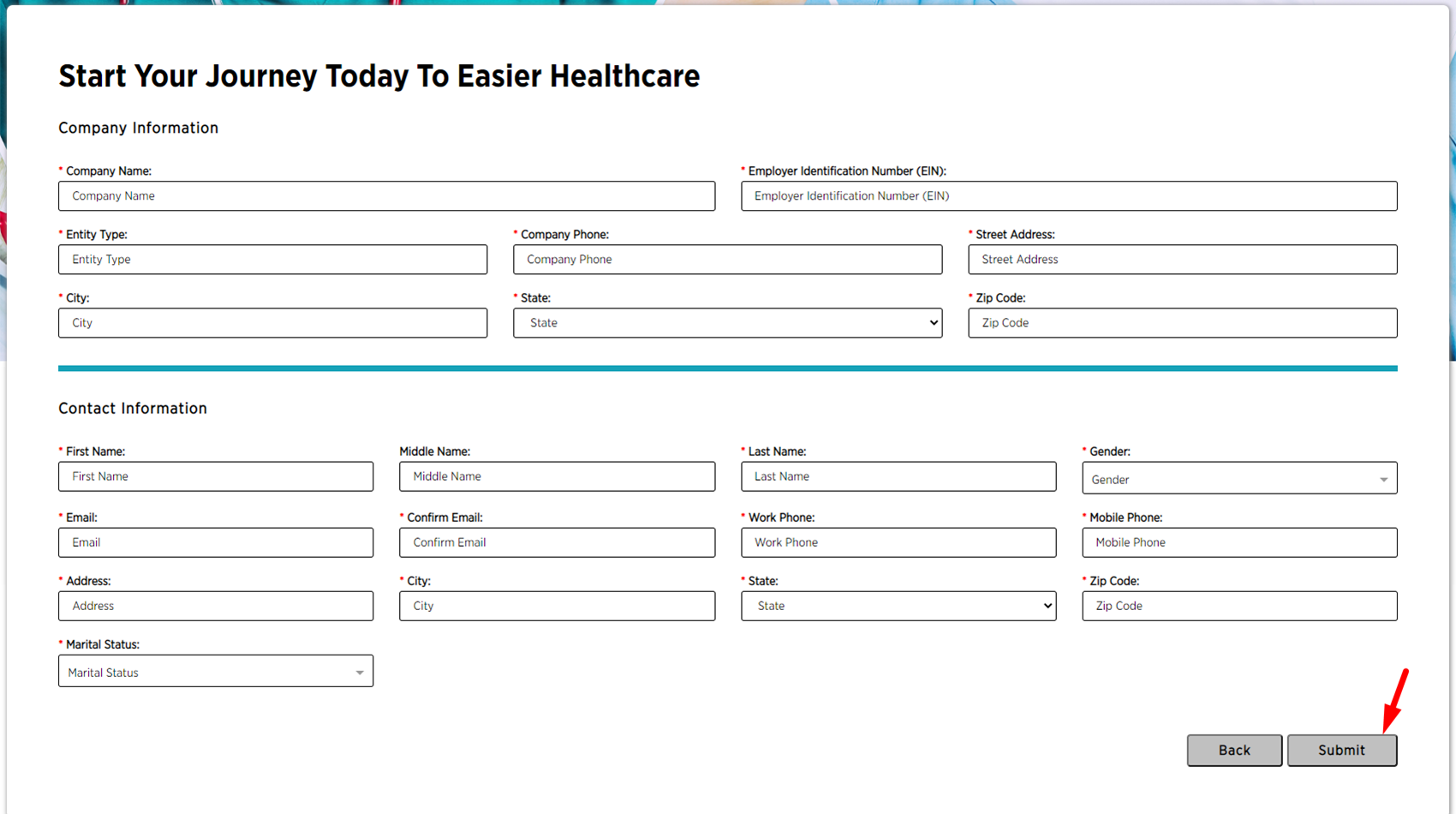
2. On the next page fill in your company information and click on the "Submit" button.
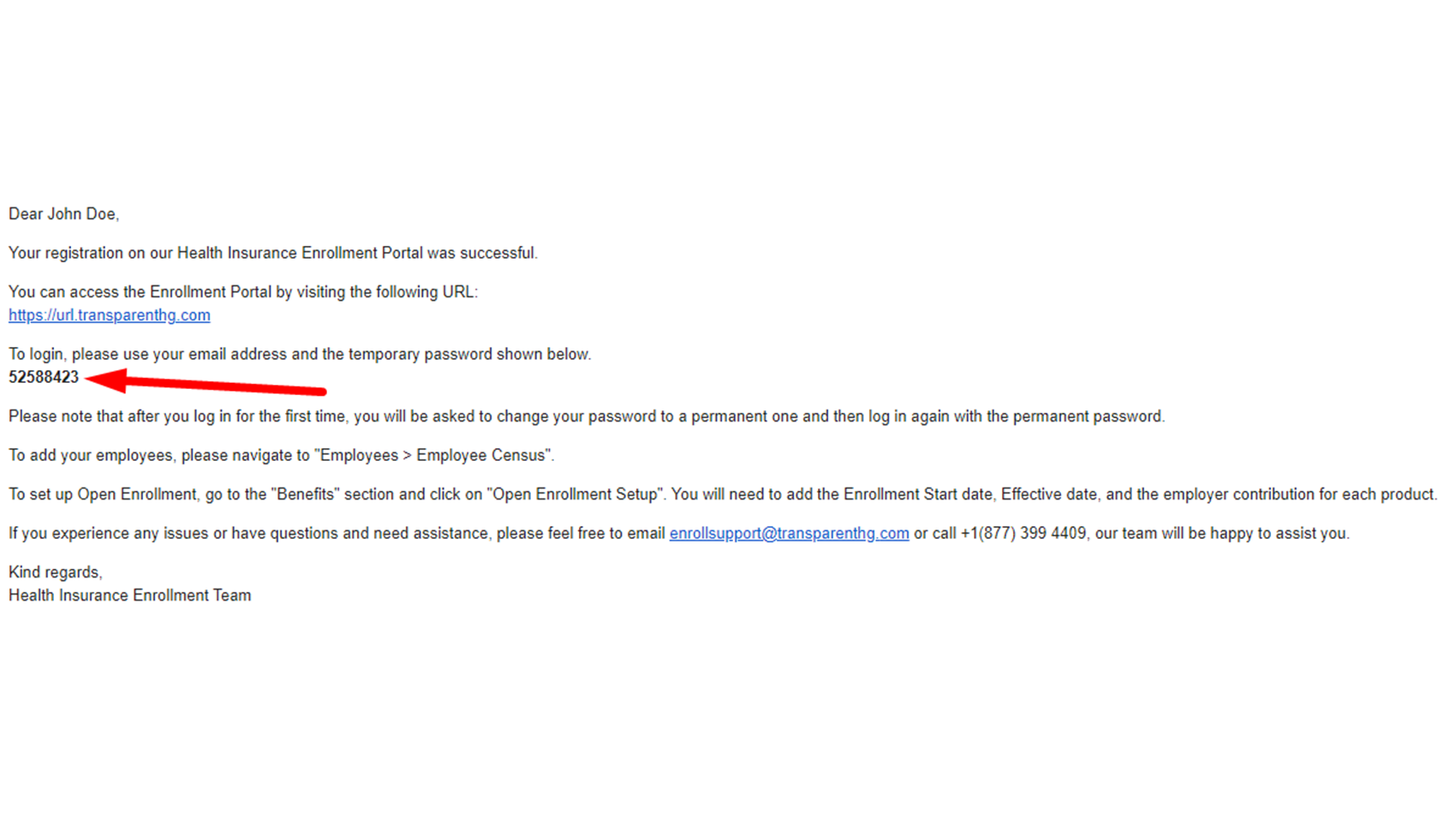
3. Now check your email for a temporary password. You will need to copy it and paste it into the login screen on the next step.
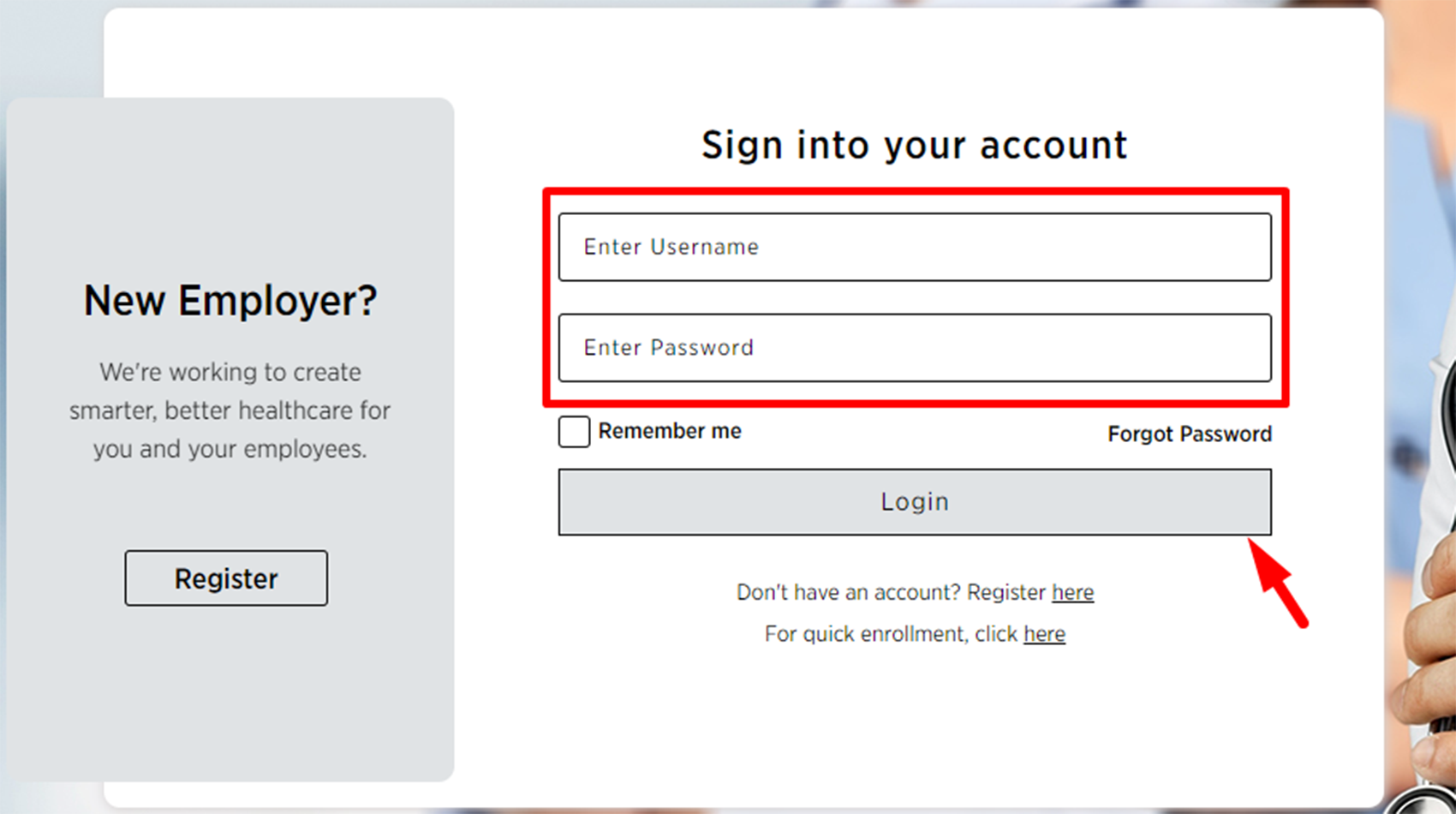
4. Now enter your email and the temporary password on the login screen and click login.
5. Now enter the temporary password in the first field and enter a new password in the remaining two fields. Please note that the new password has requirements shown on the form.
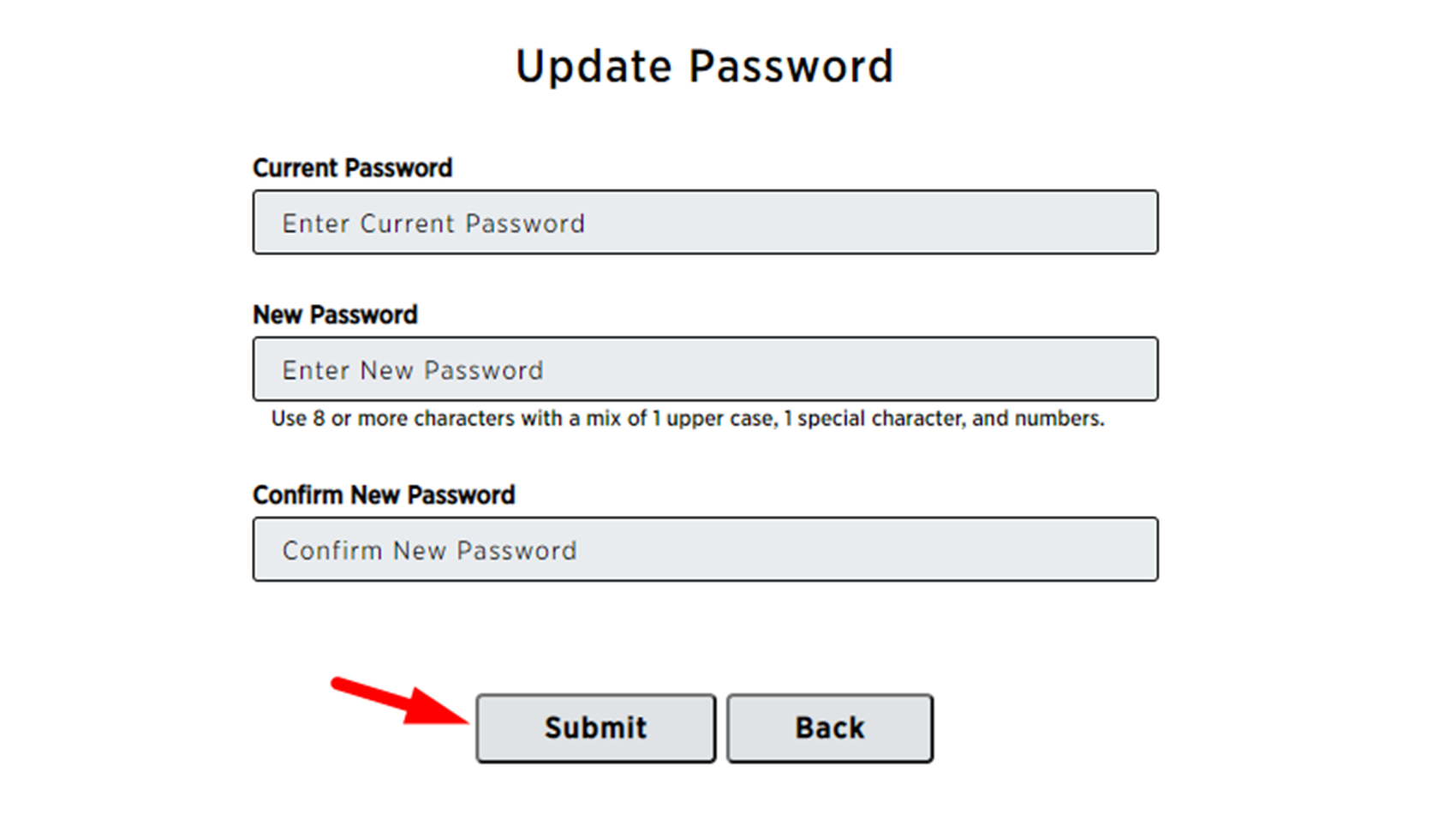
6. Once you have entered a new password click on submit.
7. You will be return to the login screen to sign in again using your new password.
You are now logged in and at your dashboard.
Congratulations, you have completed your setup.
Go Back